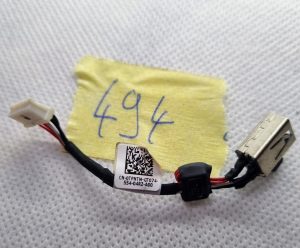
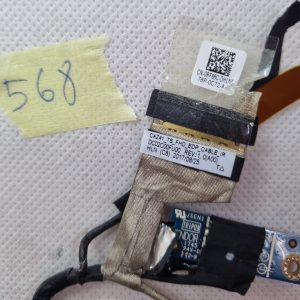
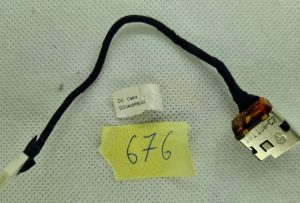
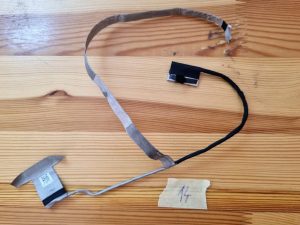
The switch button board itself is a small circuit board that houses the WiFi On/Off switch. It is typically located on the laptop’s keyboard bezel or near the function keys. The board features a physical button that can be pressed or slid to toggle the WiFi functionality.
Connected to the switch button board is a cable that provides the necessary electrical connection between the board and the laptop’s motherboard. This cable allows the switch to communicate with the laptop’s internal components and effectively turn the WiFi module on or off.
The LS-9242P board is designed specifically for the HP Zbook 15 Mobile Workstation model, ensuring compatibility and proper functioning with the laptop. It is an essential component for users who prefer to manually control their device’s wireless connectivity.
Overall, the HP Zbook 15 Mobile Workstation WiFi On/Off Switch Button Board with Cable (LS-9242P) offers a convenient way to manage the WiFi feature of the HP Zbook 15 Mobile Workstation laptop, allowing users to easily enable or disable wireless connectivity as needed.
- Europe
- LCD Screens & Laptop Housings: $10.78 (13,90 EUR)
- Other Categories: $6.42 (8,90 EUR)
- Worldwide
- LCD Screens & Laptop Housings: $15.11 (9,90 EUR)
- Other Categories: $9.67 (5,90 EUR)
Shipping & Delivery time
We ship in max 2 days.
- Europe: Average 6 days
- Worldwide: Varies by country, but always competitive. For instance,
- Argentina: 5-7 days
- Australia: 6-8 days
- Brazil: 8-12 days
- Canada: 7-10 days
- Egypt: 7-10 days
- India: 10-15 days
- Japan: 6-8 days
- South Africa: 10-12 days
- Thailand: 5-7 days
- United Arab Emirates: 8-10 days
- United States: 8-12 days
Based on our research conducted in 2023, we’re proud to share our average delivery times to various European countries, for example:
- Belgium: 5 days
- Italy: 4 days
- Poland: 8 days
- Montenegro: 9 days
- Germany: 2-3 days
- Hungary: 4-5 days
- Malta: 6 days
- Sweden: 6 days
- Czech Republic: 4-5 days
- France: 5 days
- Latvia: 6 days
- Croatia: 5 days
- United Kingdom: 8 days
- Finland: 8 days
- Denmark: 4 days
- Switzerland: 6 days
- Ireland: 6 days
- Norway: 7 days
- Lithuania: 6 days
- Portugal: 4 days
- Greece: 8 days
- Cyprus: 12 days
- Netherlands: 3-4 days
These figures represent the average time taken for our packages to reach our valuable customers in these countries. Please bear in mind that the actual delivery time may vary slightly.